Create the customer
Maintain the customer account and contact details.
Sales records that stay connected
Move from a customer order to brick dispatch, challan, credit entry, receipt and outstanding balance without rebuilding the transaction in separate books.
Book a Free Demo Call eBrixA brick sale often begins with an agreed quantity and rate, followed by one or more vehicle dispatches. If the order register, challan book and customer ledger are separate, delivered quantity and customer dues can quickly disagree.
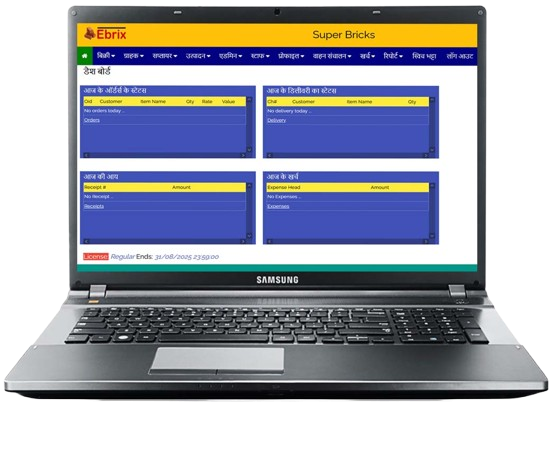
eBrix connects orders, challans, sales and receipts. The office can preserve the dispatch trail while the owner reviews customer activity and outstanding receivables from the same cloud system.
Maintain the customer account and contact details.
Enter ordered items, quantity and agreed commercial details.
Create the delivery record for the bricks being dispatched.
Keep cash or credit sales associated with customer activity.
Enter receipts against the customer account when money arrives.
Use the ledger and receivable reports to follow unpaid balances.
Yes. eBrix includes order and challan workflows for brick dispatch records.
The sales and customer-ledger workflows are designed to keep credit activity, receipts and balances connected.
eBrix includes customer ledger and receivable reporting so outstanding balances can be reviewed.
Tell us how your kiln currently keeps records. We will show the relevant modules in a guided demo.
Request Your Demo